How Do I Access a Decentralized Exchange? A Step-by-Step Guide to Your First DEX Swap
On this page
I'm trying to wrap my head around this. I'm not sure how a DEX works, but I want to try it. How do I access and initiate a peer 2 peer transaction?
The short answer
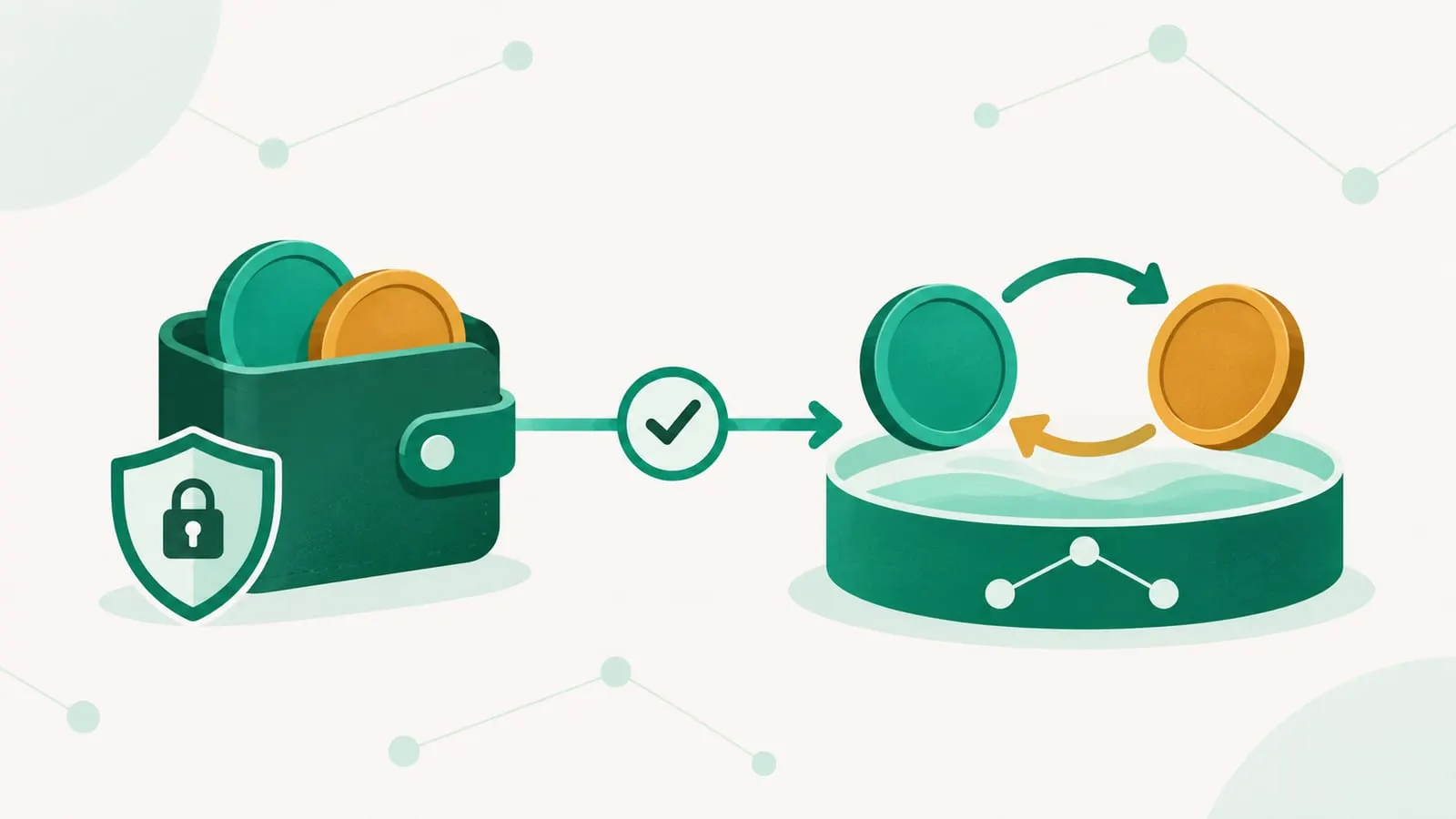
You access a decentralized exchange (DEX) through a self-custody crypto wallet. Install a wallet, fund it with the blockchain’s native token for fees, open the DEX’s official website or app, click “Connect wallet”, choose the tokens to swap and sign the transaction. There is no account to open: the DEX’s smart contracts trade your tokens against a liquidity pool and send the result straight back to your wallet.
The rest of this guide walks through each step, what you’ll be asked to sign, and the checks that protect you from the most common mistakes.
How a DEX trade actually works
The person who asked this question wanted to know how to start a “peer-to-peer transaction”. On most DEXs you aren’t matched with another person at all. You trade peer-to-contract: a pool of two tokens, supplied by liquidity providers, quotes a price using a formula (an automated market maker), and your swap executes against it the moment the transaction is confirmed. Some DEXs use on-chain order books instead, and aggregators route your trade across many pools, but the experience is the same: you sign, the contract executes.
What you need before you start
| You need | Why | Examples |
|---|---|---|
| A self-custody wallet | Holds your keys and signs transactions | MetaMask or Rabby (EVM chains), Phantom (Solana) and many others |
| The right network | DEXs only trade tokens on the chain they’re deployed on | Ethereum, Base, Arbitrum, BNB Chain, Solana |
| Native gas token | Pays network fees for every approval and swap | ETH on Ethereum and most layer 2s, BNB on BNB Chain, SOL on Solana |
| The token you’re selling | What you swap from | Often USDC, USDT or the native token |
ethereum.org’s wallet finder is a neutral place to compare wallets. Our guide to DeFi wallets explains how they differ. Whatever you pick, download it only from the official site or app store listing.
Step by step: your first DEX swap
- Install a wallet and secure the seed phrase. Write the recovery phrase on paper and store it offline. Anyone who sees it controls your funds, and no legitimate DEX, wallet or support agent will ever ask for it. Read how safe a DeFi wallet is if you’re unsure.
- Fund the wallet. Most people buy crypto on a centralized exchange and withdraw it to their wallet address. Select the same network on both sides; sending on the wrong chain is a common way to lose funds. Our guide on moving crypto from a CEX to a DEX covers this. Keep a small amount of the gas token for fees.
- Open the DEX’s official site. Type the address yourself or use a bookmark. Search ads and social media replies regularly point to look-alike phishing sites.
- Connect your wallet. Click “Connect”, choose your wallet and approve the connection. Connecting only shares your address; it doesn’t let the site move funds.
- Pick the network and tokens. Select the token you’re selling and the one you’re buying. For anything outside the default list, paste the contract address from the project’s official site or a block explorer rather than searching by name, because anyone can create a token called “USDC”.
- Review the quote. Check the amount you’ll receive, the price impact, the minimum received after slippage tolerance and the fees. A high price-impact warning usually means the pool is too small for your trade.
- Approve the token (first time only). Selling an ERC-20 token for the first time requires an approval, a separate signature that lets the DEX’s contract spend that token. Check which contract and what amount you’re approving.
- Confirm the swap. Your wallet shows the transaction and network fee. Confirm, wait for it to be included in a block, and the new token appears in your wallet. You may need to add it to your wallet’s token list to see it.
- Check the transaction. Open it on the chain’s block explorer to confirm what happened.
If you’re buying your first crypto rather than swapping, see buying crypto on a decentralized exchange.
What it costs
A DEX trade can include several layers of cost:
- Pool fee, paid to liquidity providers and sometimes partly to the protocol. On Uniswap, for example, it is typically between 0.01% and 1% depending on the pool. See how liquidity pool fees work.
- Network fee (gas), paid to the blockchain. It can be a few cents on layer 2s and Solana and much more on Ethereum mainnet during busy periods.
- Price impact and slippage, the hidden cost of trading against a pool. Our explainer on slippage in liquidity pools shows how to keep it down.
- Front-end or wallet fees. Some apps add a fee on top. MetaMask’s built-in swaps charge a standard 0.875% (sometimes reduced or waived on promotions), for instance, while Uniswap Labs has charged no interface fee since late December 2025. Check the quote breakdown.
Using a DEX aggregator instead
Rather than picking one DEX, you can use an aggregator such as Jupiter on Solana, or 1inch, CoW Swap or a 0x-powered app on EVM chains. Aggregators split your order across pools to find the best net price. The steps are the same: connect, choose tokens, approve, swap. Our explainer on DEX aggregators goes deeper, and which DEX to use compares the main options by chain and use case.
Risks and red flags
- Phishing. Fake DEX sites, fake wallet apps and “support” accounts in your direct messages are the most common way people lose funds. Never enter a seed phrase into a website.
- Malicious approvals and signatures. A drainer site can ask you to approve unlimited spending or sign an off-chain permit. Read every request, and periodically review and revoke old approvals with your wallet or a block-explorer approval checker.
- Fake and scam tokens. Verify contract addresses, and be wary of brand-new tokens with tiny pools; liquidity can be pulled at any time. Our guide on locked liquidity explains one check investors use.
- Wrong network. Sending tokens on a chain your wallet or exchange doesn’t support can make them very hard to recover.
- No customer support or reversals. Transactions are final. If something goes wrong, there’s no one to refund you.
For the broader picture, read whether decentralized exchanges are safe, compare DEX vs. CEX, or browse the DEXs and AMMs guide.
Frequently asked questions
Do I need an account to use a DEX?
No. A DEX connects to your self-custody wallet, and your wallet address acts as your identity. There is no sign-up or password, but you are fully responsible for your seed phrase.
Can I use a DEX without KYC?
Most DEX smart contracts work with any wallet and don't ask for identity documents. Some websites block certain countries or tokens, and the exchange or app you use to buy your first crypto with fiat money usually requires KYC.
Why do I need ETH (or SOL, BNB) to swap other tokens?
Every transaction pays a network fee in the chain's native token. Without a little ETH on Ethereum or an Ethereum layer 2, SOL on Solana or BNB on BNB Chain, you can't approve or swap anything on that network.
Can I use a DEX on my phone?
Yes. Most wallet apps have a built-in browser or connect to DEX websites through WalletConnect, and many wallets offer swaps directly in the app, sometimes with an extra wallet fee.
Can I cancel a DEX trade?
Not once it is confirmed on-chain. While it is still pending you can sometimes replace it with a higher-fee cancellation transaction, depending on the wallet and chain.
Sources
Educational content, not financial advice. DeFi carries risk, including total loss of funds.