What Is a Crypto DeFi Wallet? How It Works and How to Use One Safely
On this page
What is a crypto DeFi wallet?
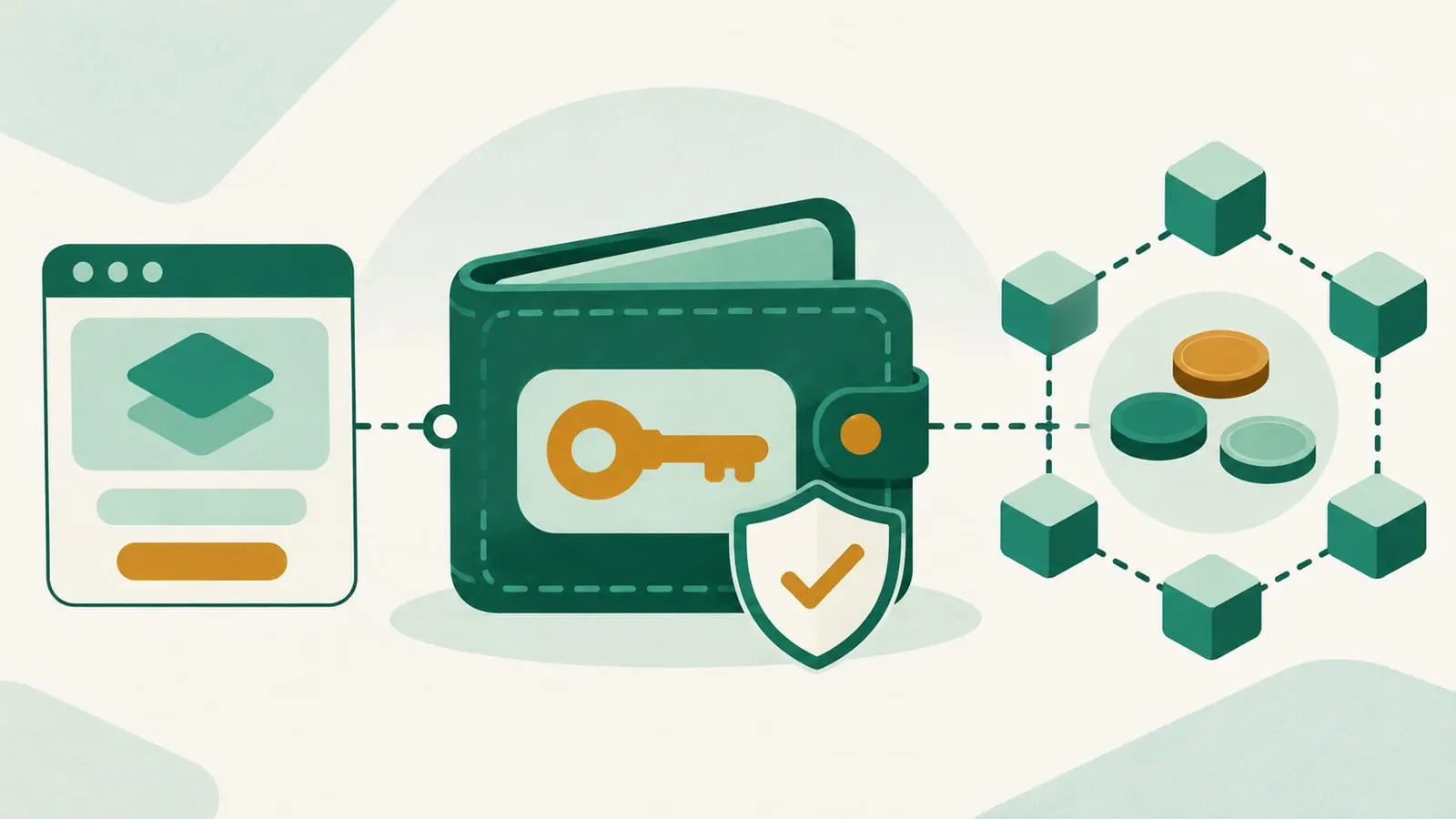
A crypto DeFi wallet is a self-custody wallet that lets you hold tokens and connect directly to decentralized finance apps such as exchanges, lending markets and staking protocols. You control the private keys, usually through a 12- or 24-word seed phrase, and every action happens by your wallet signing a transaction on the blockchain. No exchange or bank holds your funds or can freeze, reverse or recover them for you.
Strictly speaking, the wallet does not “store” crypto. Your tokens live on the blockchain at your address. The wallet stores the private key that proves you control that address and lets you sign transactions.
Custodial vs. non-custodial wallets
This is the distinction that matters most, and it is often explained backwards.
| Custodial (exchange account) | Non-custodial (DeFi wallet) | |
|---|---|---|
| Who holds the keys | The company | You |
| Login | Email, password, 2FA, KYC | Seed phrase, PIN or hardware device |
| Account recovery | Company can restore access | Only via your seed phrase or recovery setup |
| Access to dApps | Limited to what the company offers | Any compatible decentralized app |
| Main risks | Exchange hack, insolvency, frozen withdrawals | Lost seed phrase, phishing, signing malicious transactions |
| Examples | Accounts on centralized exchanges | MetaMask, Rabby, Phantom, Trust Wallet, hardware wallets |
“Not your keys, not your coins” summarizes the trade-off. A DeFi wallet removes the exchange as a point of failure but makes you responsible for security. For a deeper comparison, see our main DeFi wallet and crypto wallet hubs.
How a DeFi wallet works
- Create or import. The wallet generates a seed phrase, from which it derives your private keys and public addresses. Write the phrase down offline; it is the only universal backup.
- Fund it. Send tokens from an exchange or another wallet to your address. You also need the chain’s native token (for example ETH on Ethereum or SOL on Solana) to pay gas fees.
- Connect to a dApp. On a decentralized exchange or lending app you click “Connect wallet”. This shares your public address only; it does not give the app access to funds.
- Approve and sign. To let a protocol use a token, you first sign an approval (an allowance for a specific contract), then sign the actual transaction. Each signature is confirmed in your wallet’s pop-up.
- Transaction on-chain. The signed transaction is broadcast, included in a block, and becomes visible on a block explorer.
Our guide on how to interact with dApps walks through this in more detail.
Types of DeFi wallets
| Type | How it works | Good for | Watch out for |
|---|---|---|---|
| Browser extension | Wallet runs in your desktop browser | Everyday dApp use on desktop | Malicious extensions, phishing pages |
| Mobile app | Wallet app with a built-in dApp browser | Using DeFi on the go | Fake apps in app stores, links sent by strangers |
| Hardware wallet | Keys stay on a dedicated device; you confirm on its screen | Savings and large balances | Buying from unofficial resellers, blind-signing |
| Multisig wallet | A smart contract needs several keys to approve | Teams, DAOs, high-value personal savings | Setup complexity, losing too many keys |
| Smart account | Your account runs smart contract logic: batching, spending limits, passkeys, social recovery | Better UX and recovery options | Newer code, delegation risks |
Hardware wallets such as Ledger and Trezor usually pair with a software wallet: the software shows balances and connects to dApps, while the device holds the keys and signs. See hot vs. cold wallets for the trade-offs, and our multisig wallet explainer for shared control.
Smart accounts and EIP-7702
Ethereum’s Pectra upgrade, activated on mainnet on 7 May 2025, included EIP-7702. It lets an ordinary wallet address delegate to smart contract code, so wallets can offer features like batched transactions, gas paid in other tokens or sponsored by apps, and alternative recovery methods without changing your address. This makes DeFi wallets easier to use, but it also creates a new phishing angle: a malicious “upgrade” or delegation signature can hand control of your account to an attacker. Only accept account-upgrade prompts that come from your wallet itself, not from a website.
Popular DeFi wallets
These are widely used examples, not recommendations. Always download from the official site or the official app store listing.
- MetaMask: browser extension and mobile wallet, best known for Ethereum and EVM networks; it added Solana support in 2025.
- Rabby: open-source wallet focused on Ethereum and EVM networks.
- Phantom: self-custodial wallet popular in the Solana ecosystem.
- Trust Wallet: multi-chain mobile and extension wallet. See is Trust Wallet a CEX or a DEX?
- Safe: smart contract multisig widely used by DAOs and teams.
- Hardware wallets (Ledger, Trezor and others): best paired with one of the above for signing large transactions.
When comparing, look at which chains you need, whether the wallet shows a readable preview of what you are signing, hardware wallet support, whether the code is open source or audited, and the provider’s security history.
Is a DeFi wallet safe?
Wallets from established providers are generally sound. Most losses come from how they are used:
- Seed phrase theft. Fake “wallet validation” sites, support impersonators and malware ask for or steal the phrase. No legitimate service will ever ask for it.
- Malicious approvals and signatures. Scam dApps ask you to approve unlimited token spending or sign an off-chain “permit” that lets them drain tokens later. This is how the fake liquidity mining scam works.
- Phishing sites and fake apps that copy real dApps or wallets.
- Address poisoning. Scammers send tiny transfers from look-alike addresses, hoping you copy the wrong one from your history.
- Blind signing on hardware wallets, where you approve data you cannot read.
- Compromised wallet updates. Rarely, the wallet software itself is tampered with. In December 2025, a malicious release (version 2.68) of the Trust Wallet Chrome extension exposed seed phrases and led to losses first reported at about $7 million and later put at about $8.5 million across roughly 2,520 addresses by Trust Wallet, which said it would reimburse affected users. Keep auto-updates from the official store only, and follow the provider’s official channels during incidents.
How to set up and use a DeFi wallet safely
- Install from the official source only, and check the publisher name.
- Back up the seed phrase offline, on paper or metal, never in a screenshot, cloud note or email.
- Separate wallets by purpose: a hardware wallet or multisig for savings, a hot wallet with small balances for experimenting.
- Read every signature request. Check the contract, the token and the amount. Reject unlimited approvals you do not need.
- Review and revoke approvals regularly with your block explorer’s approval checker or a tool such as Revoke.cash.
- Bookmark the dApps you use instead of clicking links from search ads, DMs or social media.
- Test with a small amount when sending to a new address, and verify the full address, not just the first and last characters.
If you ever need to show that a wallet belongs to you, for example to an exchange or lender, you can do it without revealing your keys. See proof of ownership in crypto.
Advantages and disadvantages
Advantages
- Full control: no exchange can freeze or lend out your funds (though issuers of some stablecoins, such as USDT and USDC, can freeze their tokens at any address).
- Direct access to DeFi protocols on many chains.
- No account sign-up or KYC to create the wallet itself.
- Transparent: all activity is verifiable on-chain.
Disadvantages
- No password reset and no customer support that can reverse transactions.
- You are the target for phishing and social engineering.
- Network fees and the need to hold native gas tokens.
- Mistakes such as wrong network or wrong address are often permanent.
For more on wallet security, browse our wallets and security section or read how safe is a DeFi wallet?
Frequently asked questions
What is the difference between a crypto wallet and a DeFi wallet?
"Crypto wallet" covers any wallet, including exchange accounts where the company holds your keys. A DeFi wallet specifically means a self-custody wallet that can connect to and sign transactions for decentralized apps.
Is a DeFi wallet safe?
The software from established providers is generally reliable, but safety depends mainly on you: protecting the seed phrase, checking what you sign and avoiding fake sites. There is no customer support that can reverse a mistaken or fraudulent transaction.
Is Trust Wallet or MetaMask a DeFi wallet?
Yes. Both are self-custody wallets that connect to decentralized apps. MetaMask is best known for Ethereum and EVM chains, and Trust Wallet is a multi-chain mobile and extension wallet.
Do I need a DeFi wallet to use DeFi?
For most decentralized apps, yes, because they interact with your own address rather than an account at a company. Some exchanges offer access to on-chain yield, but then the exchange holds your funds.
What happens if I lose my phone?
If you have your seed phrase backed up, you can restore the wallet on a new device. If you lose both the device and the seed phrase, and have no other recovery set up, the funds are permanently inaccessible.
Sources
- ethereum.org: Ethereum wallets
- ethereum.org: Pectra upgrade (EIP-7702)
- EIP-7702: Set Code for EOAs
- Revoke.cash: What are token approvals?
- FBI IC3 PSA: Liquidity mining scam and wallet permissions
- The Block: Trust Wallet launches compensation process after browser extension hack (Dec 2025)
- Safe: Smart account documentation
Educational content, not financial advice. DeFi carries risk, including total loss of funds.
Guides about Crypto defi wallet
- 1inch Exchange Review—Ease of Use, Fees, Wallets, and More
This review aims to answer some of the most common questions asked about 1inch, the pros, and cons, the exchange fees, and its key features.
- Hot vs. Cold Wallets in Crypto: What Is the Difference?
Hot wallets are connected to the internet for ease of use, while cold wallets keep your crypto keys offline and away from potential hackers.
- 4 Best Crypto Cold Wallets for Storage in 2023
Should you use a crypto cold wallet? Read to learn about the best crypto cold wallets in 2023 and the different features they offer before making your decision
- 4 Best Crypto Hot Wallets for 2023
If you're planning to invest in cryptos, it's highly recommended to own a hot wallet for storage. Read this article to learn about the best crypto hot wallets.
Community questions about Crypto defi wallet
- Is Trust Wallet CEX or DEX?
Trust wallet is a decentralized non-custodial crypto wallet that supports more than 1 million digital assets across various chains. You can buy digital…