How to Interact With dApps: A Step-by-Step Guide for 2026
On this page
The short answer
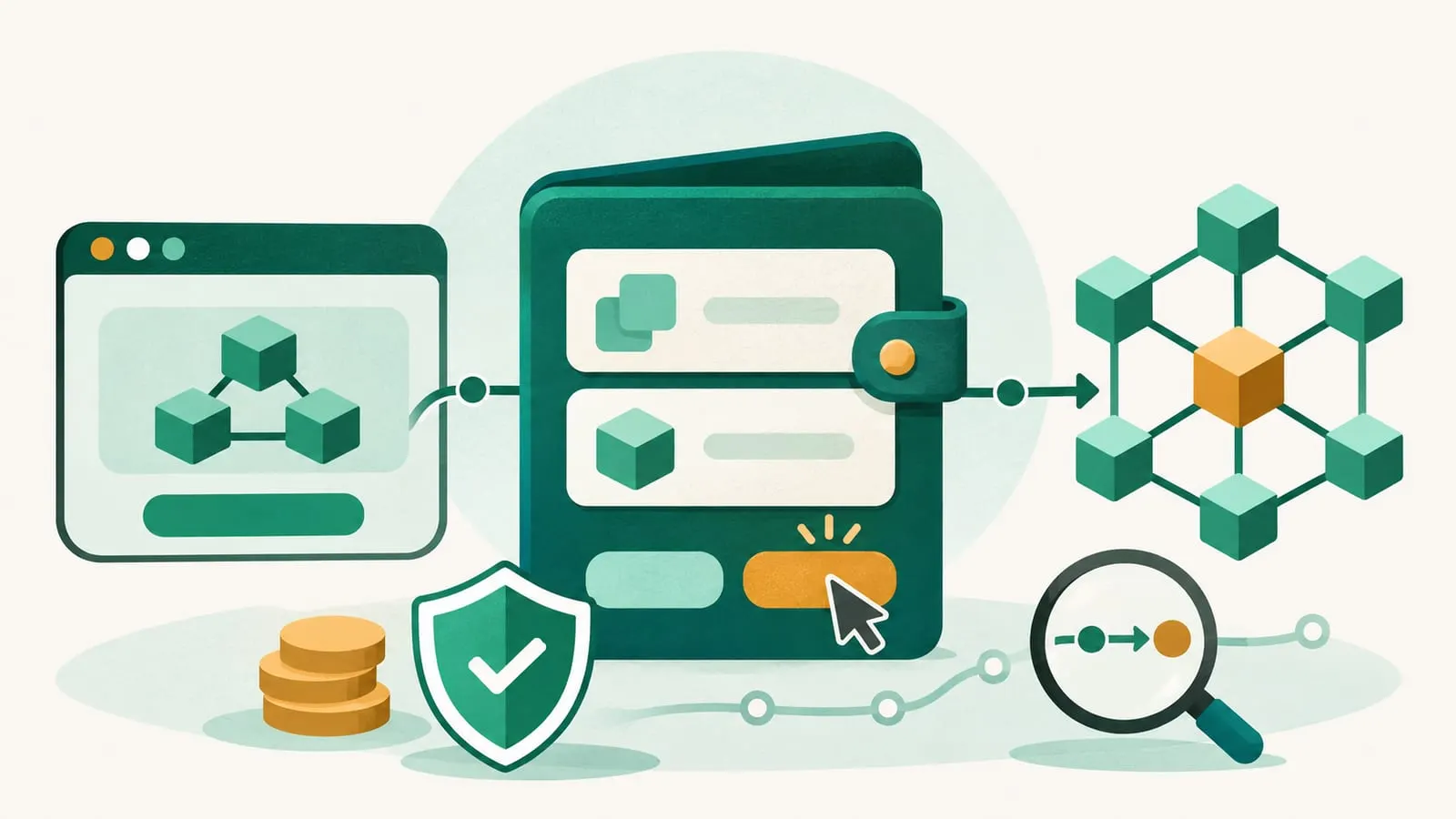
To interact with a dApp, you connect a self-custody crypto wallet to the app’s website, then approve each action in the wallet. You need three things: a wallet such as MetaMask, Rabby, Phantom or Trust Wallet; a small amount of the network’s native token to pay gas fees; and the dApp’s official web address. There is no sign-up. Your wallet address is your account, and nothing happens to your funds unless you sign it.
The rest of this guide walks through the setup, the connection, what the different wallet prompts mean, and how to stay safe.
What a dApp is, in one paragraph
A decentralized application (dApp) is a website or app whose core logic runs as smart contracts on a blockchain. The website builds transactions; your wallet signs them; the blockchain executes them. Because the app never holds an account for you, it cannot reset a password, freeze a balance or reverse a mistake. That is both the appeal and the main risk.
What you need before you start
| Item | Why | Notes |
|---|---|---|
| Self-custody wallet | Holds your keys and signs transactions | Browser extension for desktop, app for mobile, hardware wallet for larger amounts |
| Native token for gas | Pays network fees | ETH on Ethereum and most layer 2s, SOL on Solana, BNB on BNB Chain |
| The tokens you want to use | For example USDC to lend or ETH to swap | Must be on the same network as the dApp |
| The dApp’s official URL | Avoids phishing copies | Bookmark it; don’t rely on search ads or links in DMs |
Wallets that older guides listed are not all still around. Dharma, for example, shut its app within about a month of OpenSea acquiring Dharma Labs in January 2022. Coinbase’s self-custody wallet was renamed the Base App in July 2025 and, according to The Block, was renamed back to Coinbase Wallet (announced September 10, 2026); by November 2026 the Apple App Store listing was titled Coinbase Wallet again, but older guides may still use either name. Check ethereum.org’s wallet finder or our DeFi wallet guide for current options and how to compare them.
Step by step: using a dApp on desktop
- Install a wallet from its official site and check the publisher in the browser’s extension store. Create a new wallet and write the seed phrase on paper. Never type it into a website.
- Fund the wallet. Buy crypto on an exchange and withdraw it to your wallet address, choosing the same network the dApp uses. Sending on the wrong network is a common way to lose funds. If you need to move funds between chains, read up on cross-chain bridges first.
- Open the dApp from a bookmark or from its official social or documentation links.
- Click “Connect wallet” and pick your wallet. The wallet asks you to approve the connection. This shares your public address only.
- Switch to the right network if the dApp asks; your wallet will show a prompt to change or add the network.
- Approve the token, if asked. For swaps, deposits and most DeFi actions involving tokens other than the native coin, the contract first needs permission to use them. Approve only the amount you need where your wallet allows it.
- Confirm the transaction. Your wallet shows the contract, the amount and the estimated fee. Check them, then confirm. Many wallets now simulate the result and show which tokens will leave and arrive.
- Wait for confirmation and check the transaction on a block explorer if anything looks wrong.
- Disconnect and review approvals when you are done with an app you do not plan to use again.
For a worked example of a first swap, see how to access a decentralized exchange.
Using dApps on mobile
There are two common ways:
- In-wallet dApp browser. Mobile wallets such as MetaMask, Trust Wallet, Coinbase Wallet and Phantom include a browser. Type or paste the dApp’s address inside the wallet app, and it connects automatically.
- WalletConnect. On a desktop dApp, choose WalletConnect, then scan the QR code with your mobile wallet. Transactions appear on your phone for approval. WalletConnect is an open protocol supported by hundreds of wallets and apps.
Most dApps are designed to work on mobile screens, but complex actions such as managing liquidity positions are often easier on desktop.
Understanding what you are signing
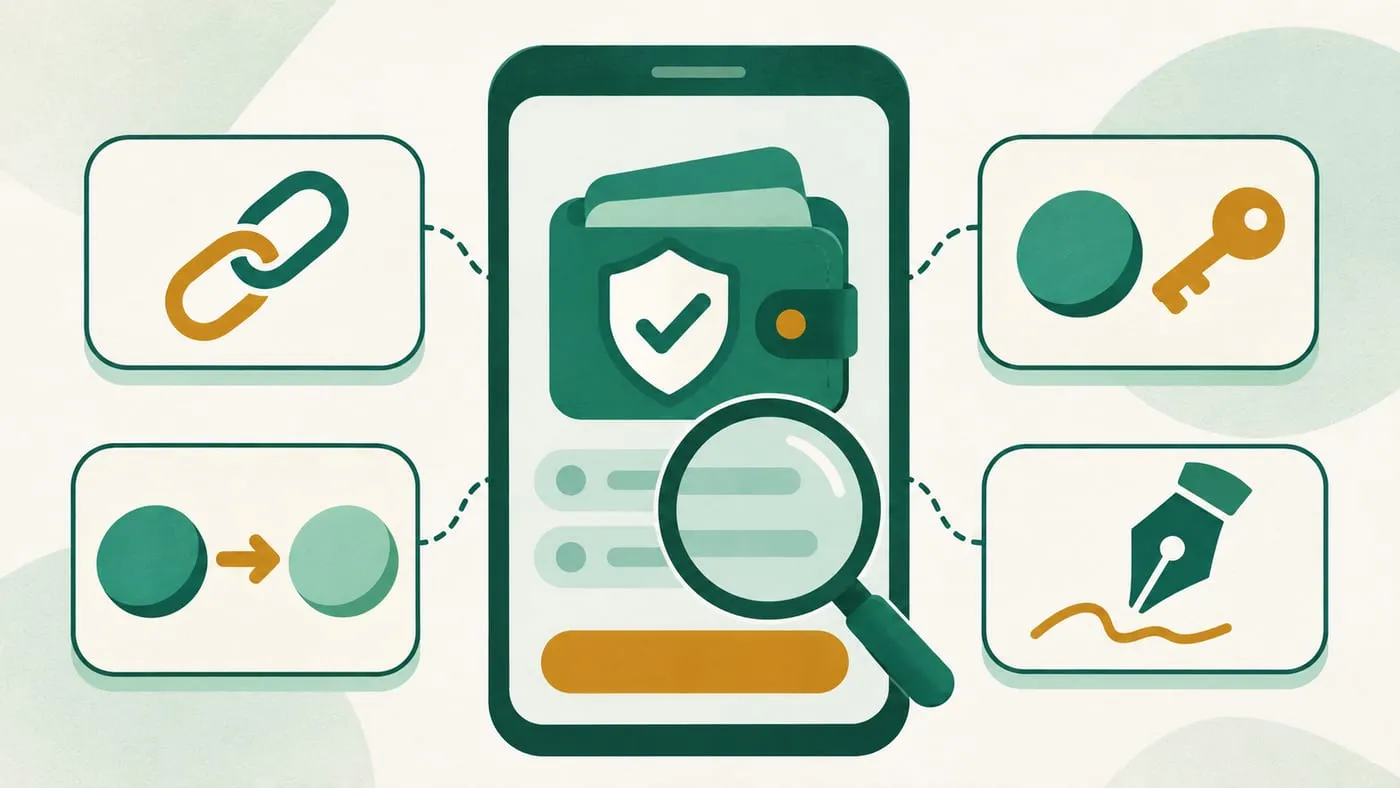
Most wallet prompts fall into four types:
| Prompt | What it does | When to be careful |
|---|---|---|
| Connect | Shares your public address | Low risk on its own |
| Approve (token allowance) | Lets a contract spend a token you hold | Unlimited approvals to unknown contracts |
| Transaction | Sends tokens or calls a contract; costs gas | Check recipient, amount and expected result |
| Signature (message or “permit”) | Signs data off-chain, often free | Permit and order signatures can authorize transfers without a separate transaction |
On Ethereum, the Pectra upgrade (activated 7 May 2025) added EIP-7702, which lets an ordinary wallet address authorize smart contract code to act for it, enabling features such as batched or gas-sponsored transactions. A malicious delegation could hand control of the whole account to an attacker’s code. Accept account “upgrade” or delegation prompts only when they come from your wallet itself, never from a website. More on this in the DeFi wallet guide.
If you cannot read what a signature does, or a hardware wallet asks you to “blind sign” data it cannot display, treat that as a reason to stop.
What it costs
Every on-chain action costs gas, paid in the native token. On Ethereum mainnet a simple swap or deposit can cost a few dollars or more when the network is busy; on layer 2 networks such as Arbitrum, Base or Optimism it is usually a few cents. Some dApps also charge their own fee, such as a swap fee on a DEX. For small amounts, a layer 2 often makes the difference between a worthwhile and a pointless transaction.
Risks and how to avoid them
- Phishing sites. Fake copies of popular dApps are advertised in search results and shared on social media. Use bookmarks.
- Malicious approvals and signatures. Drainer sites ask for unlimited approvals or permit signatures. This is how the liquidity mining scam works.
- Forgotten approvals. Old approvals stay active. ethereum.org recommends reviewing and revoking approvals you no longer need with a block explorer’s approval checker or a tool such as Revoke.cash.
- Smart contract risk. Even legitimate dApps can be exploited; see smart contract vulnerabilities.
- Irreversible mistakes. Wrong network, wrong address or wrong amount usually cannot be undone; see why smart contract transactions are irreversible.
- Seed phrase requests. No dApp, wallet or support agent needs your seed phrase. Anyone who asks is attempting theft.
A practical habit: keep a separate “hot” wallet with small balances for trying new dApps, and keep larger holdings in a hardware wallet. See hot vs. cold wallets.
Where to go next
Once you are comfortable connecting and signing, you can explore lending in how to lend your crypto on DeFi, or read about how dApps are built in how to make a dApp. The dApp hub collects related guides.
Frequently asked questions
Do I need ETH to use dApps?
You need the native token of whichever network the dApp runs on to pay gas: ETH on Ethereum and most Ethereum layer 2s, SOL on Solana, BNB on BNB Chain, and so on. Some wallets and apps sponsor gas for certain actions, but most still require it.
Is connecting my wallet to a dApp safe?
Connecting alone shares only your public address. The risk comes from what you sign afterwards: an approval or signature on a malicious site can let it move your tokens. Only connect to sites you reached through a bookmark or the project's official links.
Can I use dApps on my phone?
Yes. Mobile wallets such as MetaMask, Trust Wallet, Coinbase Wallet and Phantom include a dApp browser, and many desktop dApps support WalletConnect, which links a mobile wallet by QR code.
What is a token approval?
An approval is a transaction that gives a specific smart contract permission to spend a set amount of one of your tokens. It is needed for swaps and deposits, but an unlimited approval to a bad contract can be used to drain that token later.
Can I use dApps with a hardware wallet?
Yes. Ledger, Trezor and other hardware wallets usually pair with a software wallet; the dApp talks to the software wallet, and you confirm each transaction on the device's screen.
What if a transaction fails?
A failed transaction on Ethereum-style networks still costs the gas used up to the point of failure, but the action itself is not carried out. Check the error in your wallet or on a block explorer before retrying.
Sources
- ethereum.org: Introduction to dapps
- ethereum.org: Find a wallet
- ethereum.org: How to revoke smart contract access to your crypto funds
- ethereum.org: How to use a wallet (connecting to a dapp)
- Revoke.cash: What are token approvals?
- WalletConnect Network documentation
- ethereum.org: Pectra upgrade (activated 7 May 2025; EIP-7702)
- TechCrunch (January 2022): OpenSea buys DeFi wallet startup Dharma Labs
- The Block (September 2026): Coinbase rebrands Base App back to Coinbase Wallet
- Apple App Store: Coinbase Wallet listing
Educational content, not financial advice. DeFi carries risk, including total loss of funds.