Hot vs. Cold Wallets in Crypto: What Is the Difference?
On this page
The short answer
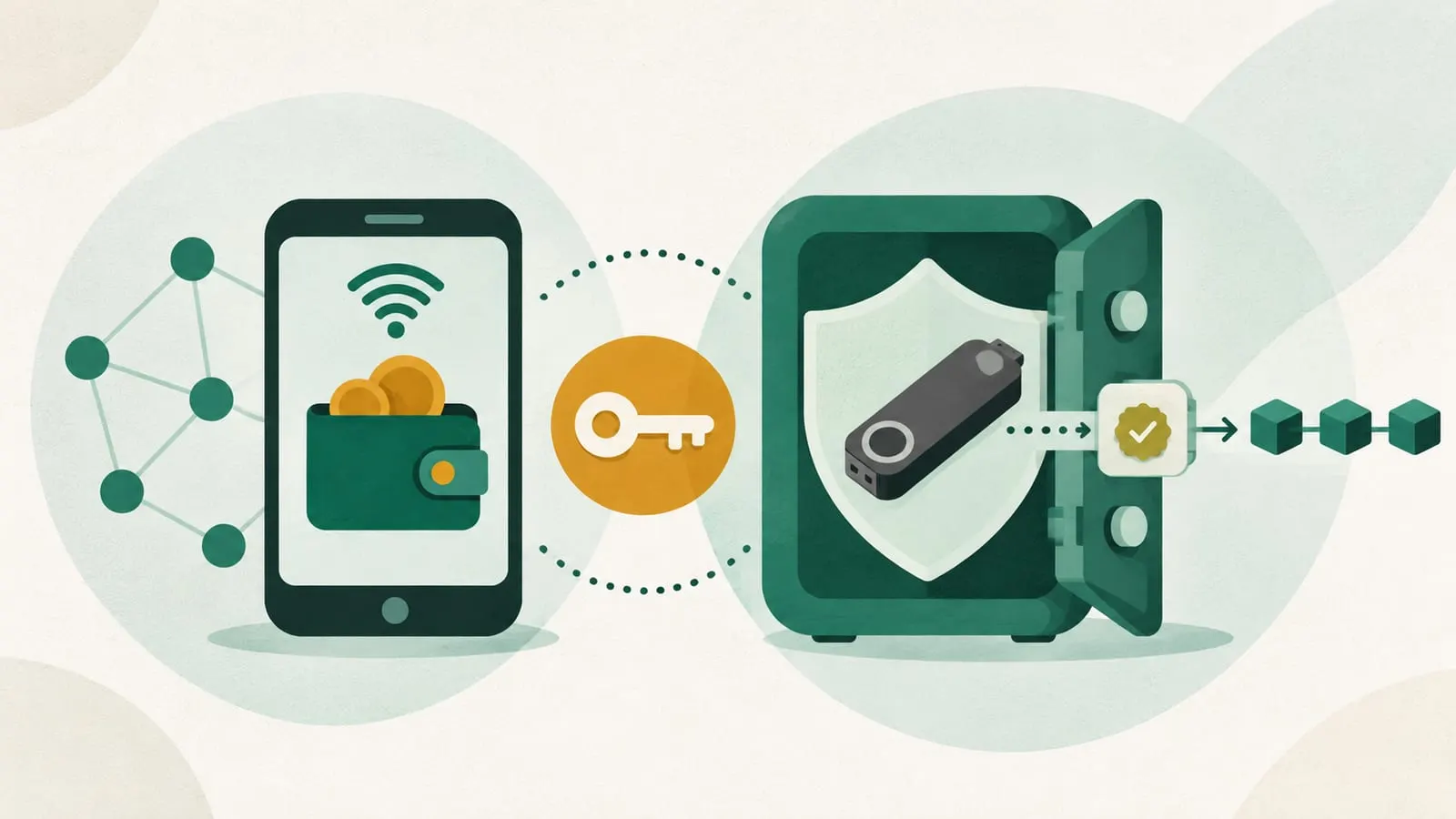
A hot wallet stores your private keys on a device connected to the internet, such as a browser extension or phone app. A cold wallet keeps the keys offline, usually on a hardware wallet, and only sends out signed transactions. Hot wallets are faster and free; cold wallets are much harder to steal from remotely.
Neither actually “holds” coins. Your crypto lives on the blockchain, and a wallet holds the private key that lets you move it. “Hot” and “cold” describe how exposed that key is.
Hot vs. cold wallets at a glance
| Hot wallet | Cold wallet | |
|---|---|---|
| Where keys live | On an internet-connected computer or phone | On an offline device or medium |
| Examples | MetaMask, Rabby, Phantom, Trust Wallet, exchange-linked apps | Trezor, Ledger and other hardware wallets; air-gapped devices; paper or metal backups |
| Cost | Usually free | Hardware wallets cost from tens to a few hundred dollars (Trezor lists its Safe 7 at $249) |
| Speed | Instant | Needs the device for every signature |
| DeFi use | Built for it | Works by connecting to a hot-wallet app as the interface |
| Main threats | Malware, phishing, malicious extensions or updates, leaked seed phrase | Fake or tampered devices, seed phrase phishing, approving malicious transactions |
| Best for | Small, active balances | Savings and long-term holdings |
What is a hot wallet?
A hot wallet is any wallet whose keys sit on an online device. The main kinds are:
- Browser extensions such as MetaMask or Rabby, used for desktop DeFi.
- Mobile apps such as Trust Wallet or Phantom, often with a built-in dApp browser.
- Desktop apps installed on a computer.
- Web wallets, where keys are handled in the browser or by a provider.
Their strength is convenience. You can swap, lend or sign in seconds, and they are what most DeFi wallets are. Their weakness is that the key lives on a general-purpose device that also runs your browser, email and downloads.
The risks are real. In December 2025, a malicious release (version 2.68) of the Trust Wallet Chrome extension exposed users’ seed phrases and led to losses first reported at about $7 million, later put at about $8.5 million across roughly 2,520 addresses by Trust Wallet, which said it would reimburse affected users. Most hot-wallet losses are less dramatic: a fake site, a drainer approval or a seed phrase typed into a “support” form. More in our guide to crypto hot wallets.
What is a cold wallet?
A cold wallet keeps keys away from internet-connected devices. The main forms are:
- Hardware wallets, small devices with a secure chip and their own screen. They create the keys, never reveal them, and show each transaction for you to confirm. A hardware wallet stays “cold” even when plugged in, because only signatures leave it. See hardware crypto wallets.
- Air-gapped devices, which sign via QR codes or memory cards and never connect by USB or Bluetooth.
- Paper or metal backups of a seed phrase. These are backups rather than wallets you use day to day; old-style “paper wallets” with a single private key are rarely recommended now.
Cold wallets last for years: see how long a Trezor lasts. If the device breaks, your seed phrase restores the wallet on a new one. Our guide to types of cold crypto wallets goes further.
What cold storage does not protect against
A cold wallet stops remote key theft. It does not stop you from signing something harmful. In February 2025, attackers who had compromised a Safe{Wallet} developer’s machine planted malicious code in the Safe{Wallet} web interface used by the exchange Bybit. Bybit’s signers approved what looked like a routine transfer from a multisig cold wallet; it actually handed control to the attackers, who took about $1.4–1.5 billion. The same pattern hits individuals: a hardware wallet will happily sign an unlimited token approval or a malicious permit if you confirm it.
On Ethereum, the Pectra upgrade’s EIP-7702 (May 2025) lets ordinary addresses delegate to smart contract code. That enables useful features, but a malicious delegation signature can hand an attacker control of the account. Only accept account-upgrade prompts that come from your wallet itself, and read what the device screen says before confirming.
Custodial vs. self-custody: a different question
Hot and cold describe where keys are stored. Custodial vs. non-custodial describes who holds them. Many guides mix these up.
- An account on a centralized exchange is custodial. The exchange holds the keys (in its own mix of hot and cold wallets), and you hold a claim on the exchange. Crypto held this way is generally not covered by bank deposit insurance, and withdrawals can be frozen if the exchange fails.
- A hot wallet like MetaMask and a cold wallet like a Trezor are both self-custody: you hold the keys and nobody can reset them for you.
“Not your keys, not your coins” is about custody, not temperature.
Which should you use?
Most people who use DeFi end up with both:
- A cold wallet (or a multisig) for savings. Long-term holdings stay where a stolen laptop or phishing link cannot reach them. For larger sums, a multisig wallet spreads control across several devices.
- A hot wallet for activity. Keep only what you are using for trading, lending or testing new apps.
- Connect the cold wallet to a hot-wallet app when you need to sign a DeFi transaction with savings, so the hardware device confirms it.
This is a general setup, not personalized advice. The right mix depends on how much you hold and how often you transact.
Security checklist for both
- Buy hardware wallets only from the maker or an authorized reseller.
- Write the seed phrase offline, never in a screenshot, cloud note or email. No legitimate support team will ask for it.
- Install wallet apps and extensions from official sources only, and follow the provider’s official channels during incidents.
- Read every signature on the device screen; avoid blind signing.
- Review and revoke old token approvals regularly.
- Send a small test amount to any new address.
For more, read how safe is a DeFi wallet?, our guide to the best crypto cold wallets, or browse the wallets and security section.
Frequently asked questions
Is a hardware wallet a cold wallet?
Yes. A hardware wallet generates and stores keys on a dedicated device that never exposes them to your computer or phone; it only sends out signed transactions. It stays cold even when plugged in, because the keys don't leave it.
Can a cold wallet be hacked?
The keys are very hard to extract remotely, but you can still lose funds by entering your seed phrase on a fake site, buying a tampered device, or approving a malicious transaction. In 2025, attackers drained an exchange's multisig cold wallet by tricking its signers.
Is MetaMask a hot or cold wallet?
MetaMask is a hot wallet: its keys are stored, encrypted, on your computer or phone. You can connect a hardware wallet to it, in which case the hardware device holds the keys and MetaMask acts as the interface.
Do I need a cold wallet?
If you hold an amount you could not afford to lose, a cold wallet greatly reduces the risk of remote theft. For small amounts used for frequent trading or DeFi, a well-managed hot wallet is often enough.
Is crypto on an exchange in a hot or cold wallet?
Exchanges use both internally, but as a customer you have neither: you hold a claim on the exchange, which controls the keys. If you want a hot or cold wallet, you need to withdraw to an address you control.
Sources
- ethereum.org: Ethereum wallets
- Trezor: What is a hardware wallet?
- EIP-7702: Set Code for EOAs
- Trust Wallet: Browser Extension v2.68 incident community update
- The Block: Trust Wallet launches compensation process after browser extension hack (Dec 2025)
- The Block: Lazarus appears to compromise Safe developer machine in lead-up to $1.5 billion Bybit hack
- Revoke.cash: What are token approvals?
Educational content, not financial advice. DeFi carries risk, including total loss of funds.