Can You Hold Different Coins on One Trezor Wallet at the Same Time?
On this page
The security features of the Trezor wallet are what attracted me to it. I really wasn’t sure about using a hardware wallet for my crypto. The only issue I have is whether it can store various crypto coins simultaneously since it supports a variety of cryptocurrencies and tokens.
Short answer
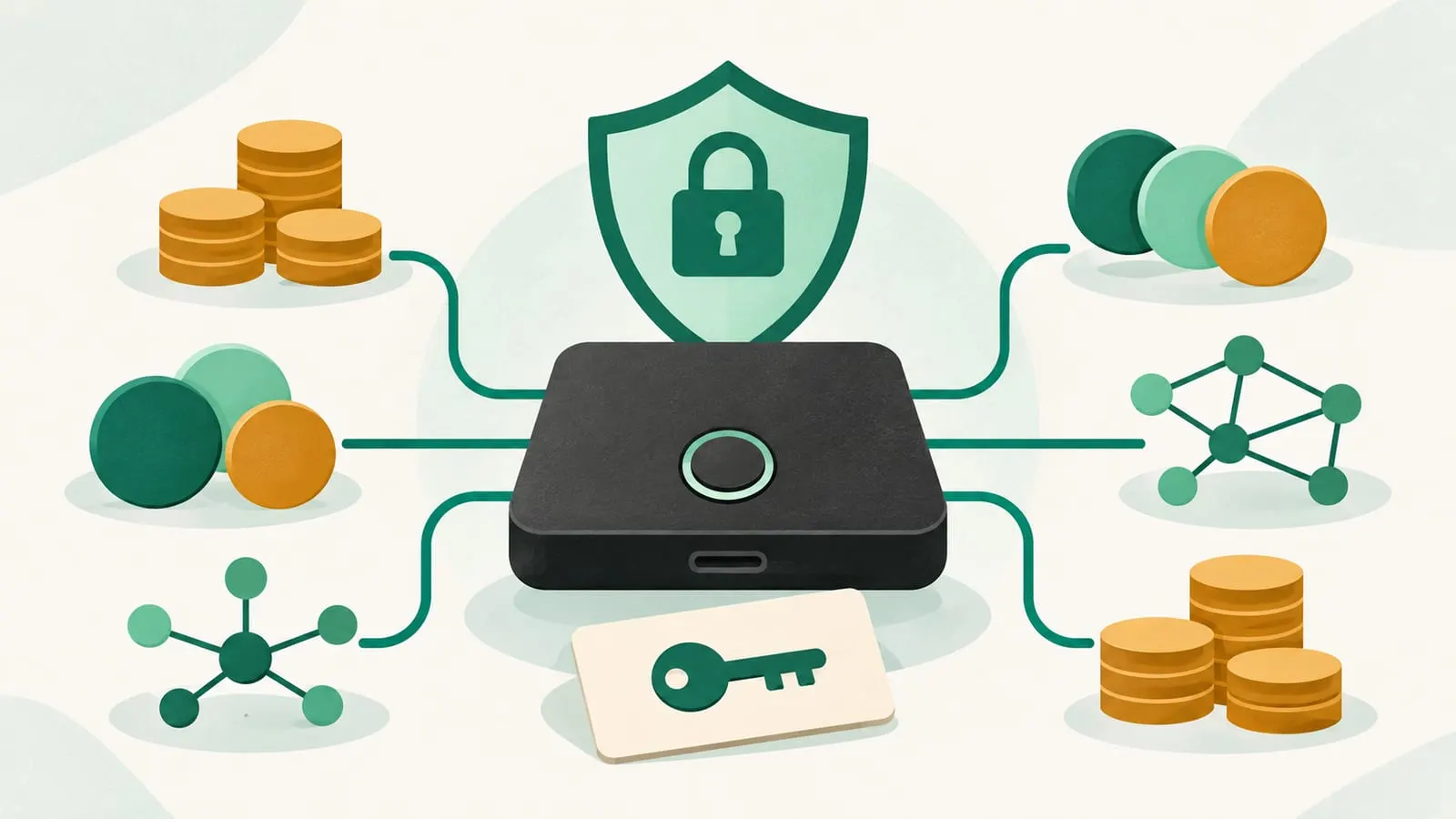
Yes. You can hold Bitcoin, Ethereum, ERC-20 tokens, Solana and many other coins on the same Trezor at the same time. The device doesn’t store coins at all: the coins stay on their blockchains, and the Trezor stores one master secret from which it derives a separate private key and address for every network and account. You manage them together in the Trezor Suite app, and a single wallet backup restores all of them.
The limits are about which coins and which model, not how many at once. Most coins work in Trezor Suite on every model; a handful work only on newer models or need a third-party wallet app.
How one Trezor holds many coins
Trezor, like most modern wallets, is a hierarchical deterministic (HD) wallet. When you set it up, it generates a random secret and shows it to you as your wallet backup (recovery words). From that one secret it can derive billions of key pairs, organised by a standard path that includes the coin type and account number (defined in BIP-44 and related standards).
In practice that means:
- Every network gets its own keys and addresses. Your Bitcoin address, Ethereum address and Solana address are all different, but all come from the same backup.
- You can open several accounts per coin, for example separate Bitcoin accounts for savings and spending.
- Tokens ride on their network’s account. ERC-20 tokens use the same address as your Ethereum account, and Suite lists them in a Tokens view. Tokens on Solana or other EVM networks work the same way on their own networks.
- Signing happens on the device. Your computer or phone builds the transaction; the Trezor shows the details on its screen and signs only after you confirm. Keys never leave the device.
For the bigger picture, see how crypto wallets keep your crypto safe and hot vs cold wallets.
Which Trezor models are current?
| Model | Status (November 2026) | Notes |
|---|---|---|
| Trezor Safe 7 | Current flagship | Colour touchscreen, USB-C plus Bluetooth, two secure elements; also sold in a Bitcoin-only version |
| Trezor Safe 5 | Current | Colour touchscreen with a secure element; Bitcoin-only version available |
| Trezor Safe 3 | Current entry-level model | Buttons and small screen with a secure element; Bitcoin-only version available |
| Trezor Model T | No longer sold by Trezor since 8 January 2026 | Security updates until at least 2036; new coin support until at least 2031 |
| Trezor Model One | No longer sold by Trezor since 8 January 2026 | Security updates until at least 2036; no commitment to new coins |
The Bitcoin-only versions are an important exception to the “many coins” answer: they run firmware that supports Bitcoin alone, by design. If you want to hold several cryptocurrencies, make sure you buy the multi-coin version.
Which coins does Trezor support?
Trezor’s own coin page lists support by asset and model. As of November 2026:
- Supported in Trezor Suite on all current models: Bitcoin, Ethereum and ERC-20 tokens, BNB, Avalanche, Litecoin, Dogecoin, Stellar and many others. Since February 2025 Trezor Suite has also fully supported the Ethereum layer 2 networks Base, Optimism and Arbitrum One.
- Supported on some models only: XRP, Solana, TRON, Cardano and Monero are marked as supported on some Trezor models, not all. Older devices, the Model One in particular, are the usual gap. Filter the coin page by your model before you send anything.
- Third-party wallets only: Some assets, including Monero and Bittensor (TAO), aren’t managed in Trezor Suite. You use the Trezor with a compatible third-party wallet app, and the Trezor still signs the transactions.
- Dropped coins: Trezor Suite discontinued several older coins in February 2025, including Dash, Bitcoin Gold, DigiByte, Namecoin and Vertcoin. Older lists (including the answers that used to appear on this page) still name coins that are no longer supported.
Coin support changes with firmware and Suite updates, so treat any list, including this one, as a snapshot and check trezor.io/coins.
How to add a new coin to your Trezor
- Update Trezor Suite and your device firmware.
- Enable the network in Suite’s settings if it isn’t shown. Suite only displays the networks you switch on.
- Add an account for that coin, or use the default one.
- Generate a receive address and check it on the Trezor’s screen, not just on your computer, before sharing it.
- Send a small test amount first, on the correct network, especially when moving funds from an exchange.
No new backup is needed: the new account comes from the same secret as everything else.
Risks and common mistakes
- One backup protects everything. Anyone who sees your recovery words can take every coin on every network, without the device. Store the backup offline, never type it into a computer or phone, and never share it. Trezor will never ask for it.
- Wrong network. Ethereum, BNB Smart Chain, Base and other EVM networks use the same address format but separate balances. Tokens sent on a network you haven’t enabled won’t appear until you add it, and sending to a network your device doesn’t support can make funds hard to recover.
- Fake apps and phishing. Download Trezor Suite only from trezor.io and be wary of emails or messages about “security issues” asking you to act. Our crypto scams guide covers common tricks.
- Blind signing in DeFi. When you connect a Trezor to a DeFi app through a browser wallet, read what the screen shows you before approving. A hardware wallet can’t stop you from signing a malicious approval.
- Unsupported coins on old devices. If your Model One doesn’t support a coin, you’ll need a newer model or a different wallet for it.
A hardware wallet is one layer of protection, not a substitute for good habits. For more, see our Trezor wallet topic hub, how long a Trezor lasts, types of cold wallets, whether Trezor can sign transactions offline, and the Wallets and Security section.
Frequently asked questions
How many coins can a Trezor hold?
Trezor says its devices support thousands of coins and tokens across leading networks, counting every token on networks like Ethereum and Solana. There is no practical limit on how many different assets you hold at once.
Do I need a separate recovery phrase for each coin?
No. One wallet backup covers every coin and account on the device. Restoring it on a new Trezor (or another compatible wallet) brings back all of them, which is also why anyone who gets your backup can take everything.
Can I store ERC-20 tokens on my Trezor?
Yes. ERC-20 tokens use the same address as your Ethereum account, and Trezor Suite shows them in a separate Tokens view. You need a little ETH in the account to pay gas when you move them.
Why doesn't a coin I sent show up in Trezor Suite?
Usually it was sent on a different network from the one you're viewing (for example, BNB Smart Chain instead of Ethereum, which share the same address format), the network isn't enabled in Suite, or the coin is supported only through a third-party wallet.
Is the Trezor Model One still supported?
Yes. Trezor stopped selling the Model One and Model T in its own shop on 8 January 2026 but has committed to critical security updates for both until at least 2036. Only the Model T is promised new coin support, until at least 2031.
Sources
- Trezor: Supported coins and tokens (by model)
- Trezor: Supported coins guide (ERC-20 tokens, networks, discontinued coins)
- Trezor: How long will Trezor Model One and Model T be supported?
- Trezor: Introduction to the Trezor Safe 7
- Trezor: Optimism, Arbitrum One and Base in Trezor Suite
- BIP-44: Multi-account hierarchy for deterministic wallets
Educational content, not financial advice. DeFi carries risk, including total loss of funds.